Offering Experience Creation Scenarios
Inspiration
•
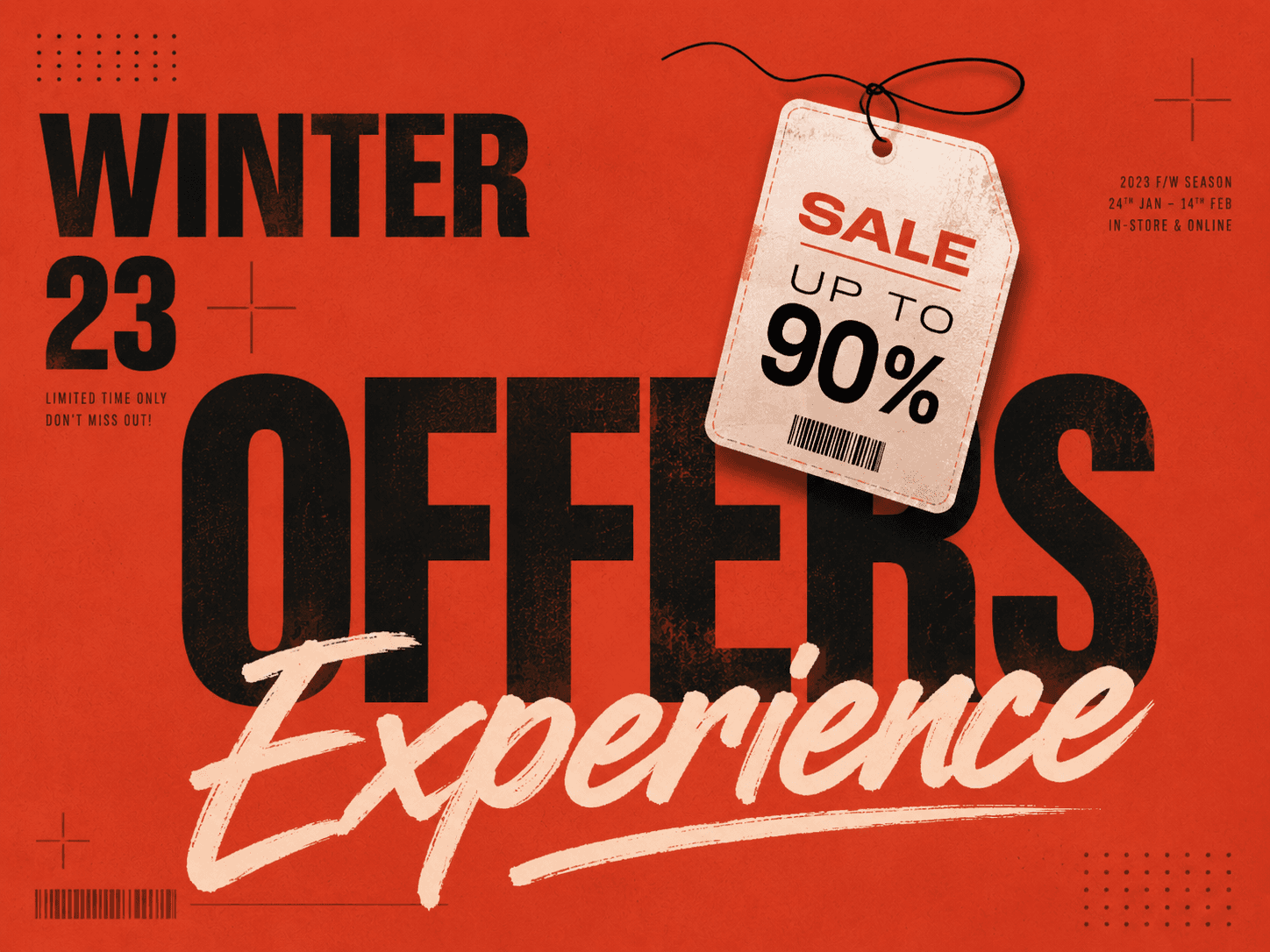
An Offering experience is a simple way to turn a product, service, event, campaign, booking option, order flow, image, website, or Shopify product into a structured PeekTag.
You do not need to write perfect instructions. Start with what you know: what you are offering, who it is for, how customers should act, and any price, discount, booking, order, image, or link details that matter.
Simple Product Promotion
Use this when you want to promote one product with a price and a few clear details.
Prompt
PeekTag should create a product-focused experience with a name, description, price, currency, and useful details. It should not enable booking or checkout unless you ask for it.
Service Promotion
Use this when you offer a service but do not need customers to book a specific time inside the tag.
Prompt
PeekTag should describe the service, location or service area, starting price, and contact intent without inventing appointment slots.
Bookable Service
Use this when customers should be able to book a service at available times.
Prompt
PeekTag should understand that this is a bookable service. It should capture the service, duration, price, currency, address, and weekly booking window.
Specific Appointment Times
Use this when only exact times are available.
Prompt
PeekTag should keep these as exact appointment times. It should not turn them into a broad range from 14:00 to 18:00.
Booking With a Named Resource
Use this when a person, room, seat, machine, or service resource matters.
Prompt
PeekTag should treat Sara as the bookable resource and preserve the duration and available windows.
Direct Ordering
Use this when customers should be able to order or check out.
Prompt
PeekTag should recognize that ordering is intended because you explicitly said customers can order through checkout.
Price Without Checkout
Use this when you want to show a product and price, but not sell it directly through checkout.
Prompt
PeekTag should show the product and price, but it should not enable ordering just because a price is present.
Whole Promotion Discount
Use this when the discount applies to the entire Offering experience.
Prompt
PeekTag should capture the discount as a promotion-wide offer. If booking details are missing, it should mention that booking is required without inventing available times.
Fixed Amount Discount
Use this when the offer is a fixed amount off the normal price.
Prompt
PeekTag should capture the fixed discount and the base price when both are provided.
Bundle Offer
Use this when several items or services are sold together as one offer.
Prompt
PeekTag should describe the bundle, price, availability, and customer value clearly.
Limited or Seasonal Offer
Use this when the promotion is tied to a season, event, or limited campaign.
Prompt
PeekTag should capture the seasonal nature of the offer and the booking intent without inventing exact times.
Discount on a Specific Time
Use this when a discount applies only to selected appointment times.
Prompt
PeekTag should attach the discount only to Monday at 09:00. It should not treat the discount as a general promotion-wide offer.
Event or Workshop
Use this for events, classes, seminars, and workshops.
Prompt
PeekTag should capture the event name, date, time, venue, ticket price, currency, and call to action.
CTA Link
Use this when you want the main button to send customers to a specific page.
Prompt
PeekTag should use the URL as the primary call to action and choose the requested button text.
Contact Link
Use this when the link is mainly for contacting you rather than buying, booking, or learning more.
Prompt
PeekTag should treat the link as a contact path and avoid pretending there is a checkout or booking flow.
Uploaded Image With a Short Description
Use this when you upload an image and add only a short line of context.
Prompt
PeekTag should use the uploaded image as evidence and the short description as your intent. It should extract only what is visible or clearly stated, such as product type, visible brand text, price, offer text, setting, or style.
Image With Visible Price and Brand
Use this when the image already contains important promotion details.
Prompt
PeekTag should use the image as evidence and keep the brand, product, and price grounded in what is visible or stated.
Website Page
Use this when the Offering experience should be created from a landing page, booking page, product page, or social page.
Prompt
PeekTag should extract only relevant promotion information. It should ignore navigation, footers, cookie banners, reviews, recommendations, and unrelated page text.
Crawl a Website Page
Use this when you want PeekTag to build the Offering experience from a specific page.
Prompt
PeekTag should use the crawled page as evidence and extract only the information that belongs to the main offer. It should not copy long page text directly into the promotion.
Shopify Product
Use this when you want to create an Offering experience from a product in your connected Shopify account.
Prompt
Create an Offering experience from my Shopify product called Red Linen Dress
Create an Offering experience from my Shopify product called Red Linen Dress
PeekTag should look for the product in the connected Shopify account, use the product facts as source evidence, and build the Offering experience from the selected product.
Shopify Search With Multiple Possible Products
Use this when the product name may match more than one item.
Prompt
Create an Offering experience from my Shopify product called Linen Dress
Create an Offering experience from my Shopify product called Linen Dress
If several Shopify products match, PeekTag should ask you to choose the right product instead of guessing.
Shopify Product With a Campaign
Use this when the product comes from Shopify but the campaign details come from you.
Prompt
PeekTag should use Shopify for the product facts and your message for the campaign. It should keep the discount separate from the original product data.
Premium Service Package
Use this when the promotion targets a specific audience and price level.
Prompt
PeekTag should create a clear service promotion and classify it with useful metadata such as category, audience, keywords, price tier, and value proposition.
Weak or Incomplete Input
Use this to understand how PeekTag behaves when very little information is provided.
Prompt
PeekTag should stay conservative. It should not invent a price, booking times, address, discount, availability, or unsupported claims.
What Makes a Good Input
A good input usually includes:
what is being promoted
who it is for
price and currency, if available
booking or ordering intent, if relevant
discount or deadline, if relevant
location or service area, if relevant
the main CTA or contact link
images, if they contain useful evidence
a website page, if the page has the offer details
a Shopify product name, if you want to use a connected Shopify product
The more specific the input is, the better the Offering experience can be. When information is missing, PeekTag should avoid guessing and create the best conservative version from the available evidence.
Related insights


Offering Experience Creation Scenarios
Inspiration
•
An Offering experience is a simple way to turn a product, service, event, campaign, booking option, order flow, image, website, or Shopify product into a structured PeekTag.
You do not need to write perfect instructions. Start with what you know: what you are offering, who it is for, how customers should act, and any price, discount, booking, order, image, or link details that matter.
Simple Product Promotion
Use this when you want to promote one product with a price and a few clear details.
Prompt
PeekTag should create a product-focused experience with a name, description, price, currency, and useful details. It should not enable booking or checkout unless you ask for it.
Service Promotion
Use this when you offer a service but do not need customers to book a specific time inside the tag.
Prompt
PeekTag should describe the service, location or service area, starting price, and contact intent without inventing appointment slots.
Bookable Service
Use this when customers should be able to book a service at available times.
Prompt
PeekTag should understand that this is a bookable service. It should capture the service, duration, price, currency, address, and weekly booking window.
Specific Appointment Times
Use this when only exact times are available.
Prompt
PeekTag should keep these as exact appointment times. It should not turn them into a broad range from 14:00 to 18:00.
Booking With a Named Resource
Use this when a person, room, seat, machine, or service resource matters.
Prompt
PeekTag should treat Sara as the bookable resource and preserve the duration and available windows.
Direct Ordering
Use this when customers should be able to order or check out.
Prompt
PeekTag should recognize that ordering is intended because you explicitly said customers can order through checkout.
Price Without Checkout
Use this when you want to show a product and price, but not sell it directly through checkout.
Prompt
PeekTag should show the product and price, but it should not enable ordering just because a price is present.
Whole Promotion Discount
Use this when the discount applies to the entire Offering experience.
Prompt
PeekTag should capture the discount as a promotion-wide offer. If booking details are missing, it should mention that booking is required without inventing available times.
Fixed Amount Discount
Use this when the offer is a fixed amount off the normal price.
Prompt
PeekTag should capture the fixed discount and the base price when both are provided.
Bundle Offer
Use this when several items or services are sold together as one offer.
Prompt
PeekTag should describe the bundle, price, availability, and customer value clearly.
Limited or Seasonal Offer
Use this when the promotion is tied to a season, event, or limited campaign.
Prompt
PeekTag should capture the seasonal nature of the offer and the booking intent without inventing exact times.
Discount on a Specific Time
Use this when a discount applies only to selected appointment times.
Prompt
PeekTag should attach the discount only to Monday at 09:00. It should not treat the discount as a general promotion-wide offer.
Event or Workshop
Use this for events, classes, seminars, and workshops.
Prompt
PeekTag should capture the event name, date, time, venue, ticket price, currency, and call to action.
CTA Link
Use this when you want the main button to send customers to a specific page.
Prompt
PeekTag should use the URL as the primary call to action and choose the requested button text.
Contact Link
Use this when the link is mainly for contacting you rather than buying, booking, or learning more.
Prompt
PeekTag should treat the link as a contact path and avoid pretending there is a checkout or booking flow.
Uploaded Image With a Short Description
Use this when you upload an image and add only a short line of context.
Prompt
PeekTag should use the uploaded image as evidence and the short description as your intent. It should extract only what is visible or clearly stated, such as product type, visible brand text, price, offer text, setting, or style.
Image With Visible Price and Brand
Use this when the image already contains important promotion details.
Prompt
PeekTag should use the image as evidence and keep the brand, product, and price grounded in what is visible or stated.
Website Page
Use this when the Offering experience should be created from a landing page, booking page, product page, or social page.
Prompt
PeekTag should extract only relevant promotion information. It should ignore navigation, footers, cookie banners, reviews, recommendations, and unrelated page text.
Crawl a Website Page
Use this when you want PeekTag to build the Offering experience from a specific page.
Prompt
PeekTag should use the crawled page as evidence and extract only the information that belongs to the main offer. It should not copy long page text directly into the promotion.
Shopify Product
Use this when you want to create an Offering experience from a product in your connected Shopify account.
Prompt
Create an Offering experience from my Shopify product called Red Linen Dress
PeekTag should look for the product in the connected Shopify account, use the product facts as source evidence, and build the Offering experience from the selected product.
Shopify Search With Multiple Possible Products
Use this when the product name may match more than one item.
Prompt
Create an Offering experience from my Shopify product called Linen Dress
If several Shopify products match, PeekTag should ask you to choose the right product instead of guessing.
Shopify Product With a Campaign
Use this when the product comes from Shopify but the campaign details come from you.
Prompt
PeekTag should use Shopify for the product facts and your message for the campaign. It should keep the discount separate from the original product data.
Premium Service Package
Use this when the promotion targets a specific audience and price level.
Prompt
PeekTag should create a clear service promotion and classify it with useful metadata such as category, audience, keywords, price tier, and value proposition.
Weak or Incomplete Input
Use this to understand how PeekTag behaves when very little information is provided.
Prompt
PeekTag should stay conservative. It should not invent a price, booking times, address, discount, availability, or unsupported claims.
What Makes a Good Input
A good input usually includes:
what is being promoted
who it is for
price and currency, if available
booking or ordering intent, if relevant
discount or deadline, if relevant
location or service area, if relevant
the main CTA or contact link
images, if they contain useful evidence
a website page, if the page has the offer details
a Shopify product name, if you want to use a connected Shopify product
The more specific the input is, the better the Offering experience can be. When information is missing, PeekTag should avoid guessing and create the best conservative version from the available evidence.